How to make a Roblox game on your phone
You can make a Roblox game and publish it to Roblox without a computer. Roblox Studio only runs on Windows and Mac, so the trick is a builder that does the Studio part for you. On studs.gg you describe the game in your phone's browser, it builds and playtests it, and you publish it to your Roblox account.
What you need
- A phone with a web browser. iPhone and Android both work.
- A Roblox account that can publish. Roblox sets its own requirements for publishing public games.
- About an hour while it builds. You can close the page in the meantime.
Step 1
Sign in with Roblox
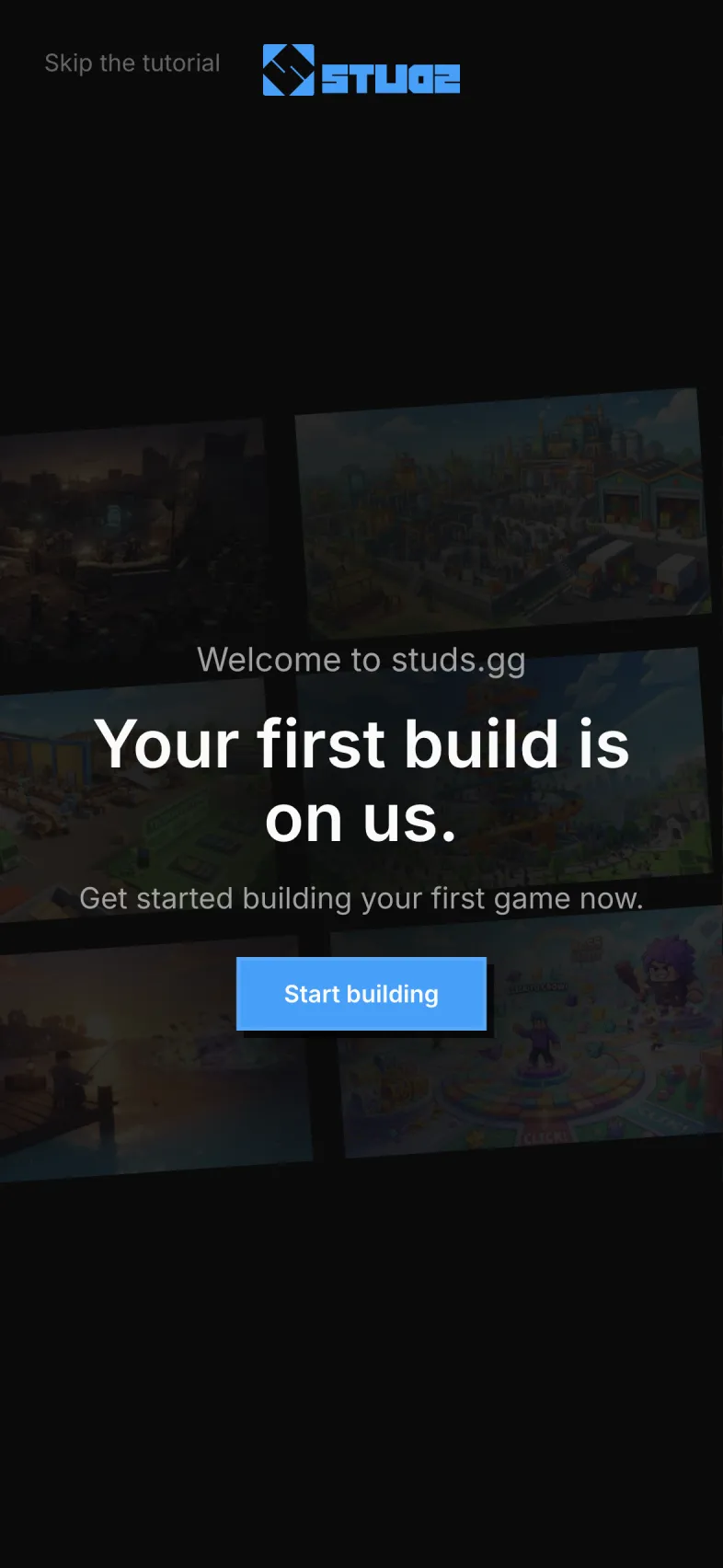
Open app.studs.gg in your phone's browser and sign in with your Roblox account. You sign in on Roblox's own page, so studs.gg never sees your password. Your first build is free.
Step 2
Pick a game idea, or write your own
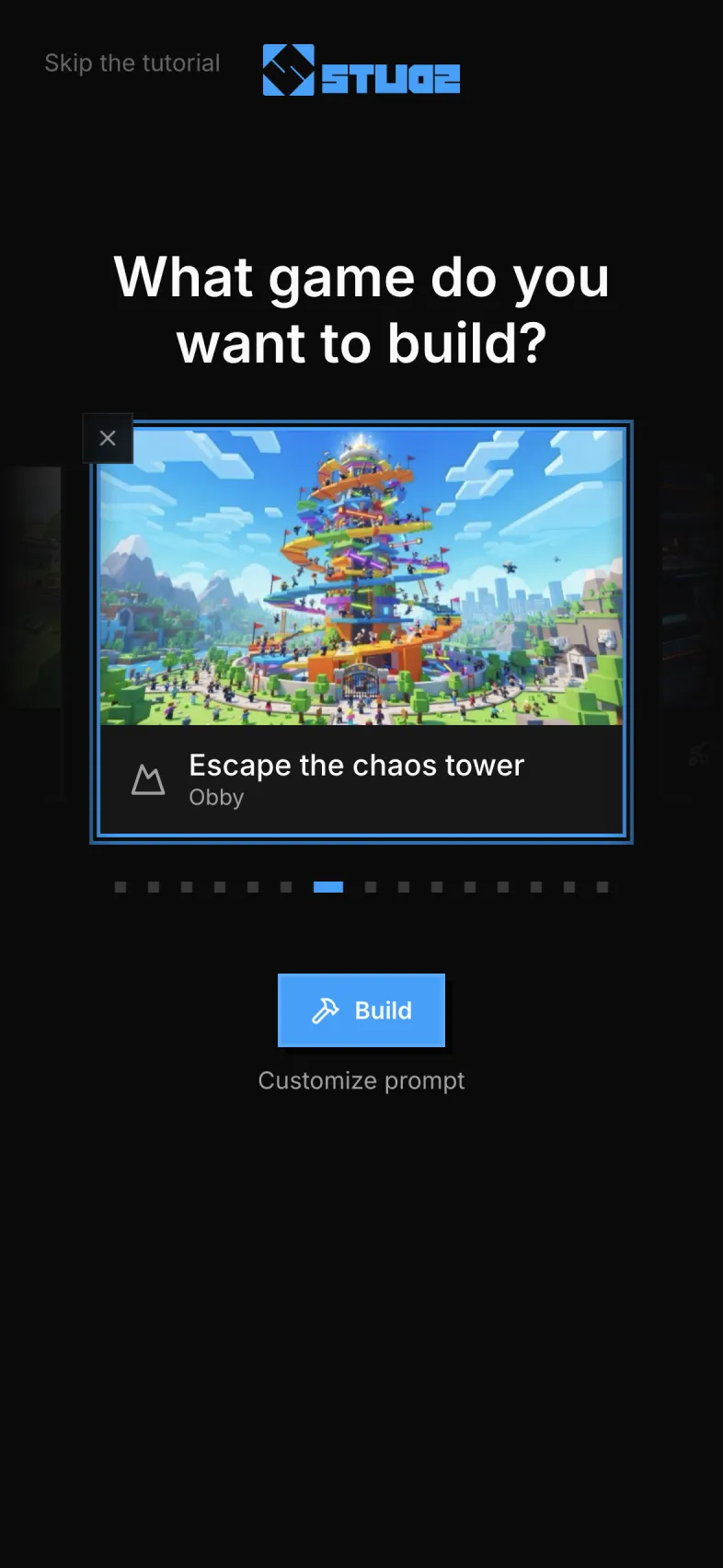
Swipe through the starter ideas, such as an obby, a tycoon or a horror game, or choose My own idea and describe the game in your own words. Tap Build.
Step 3
Choose the look
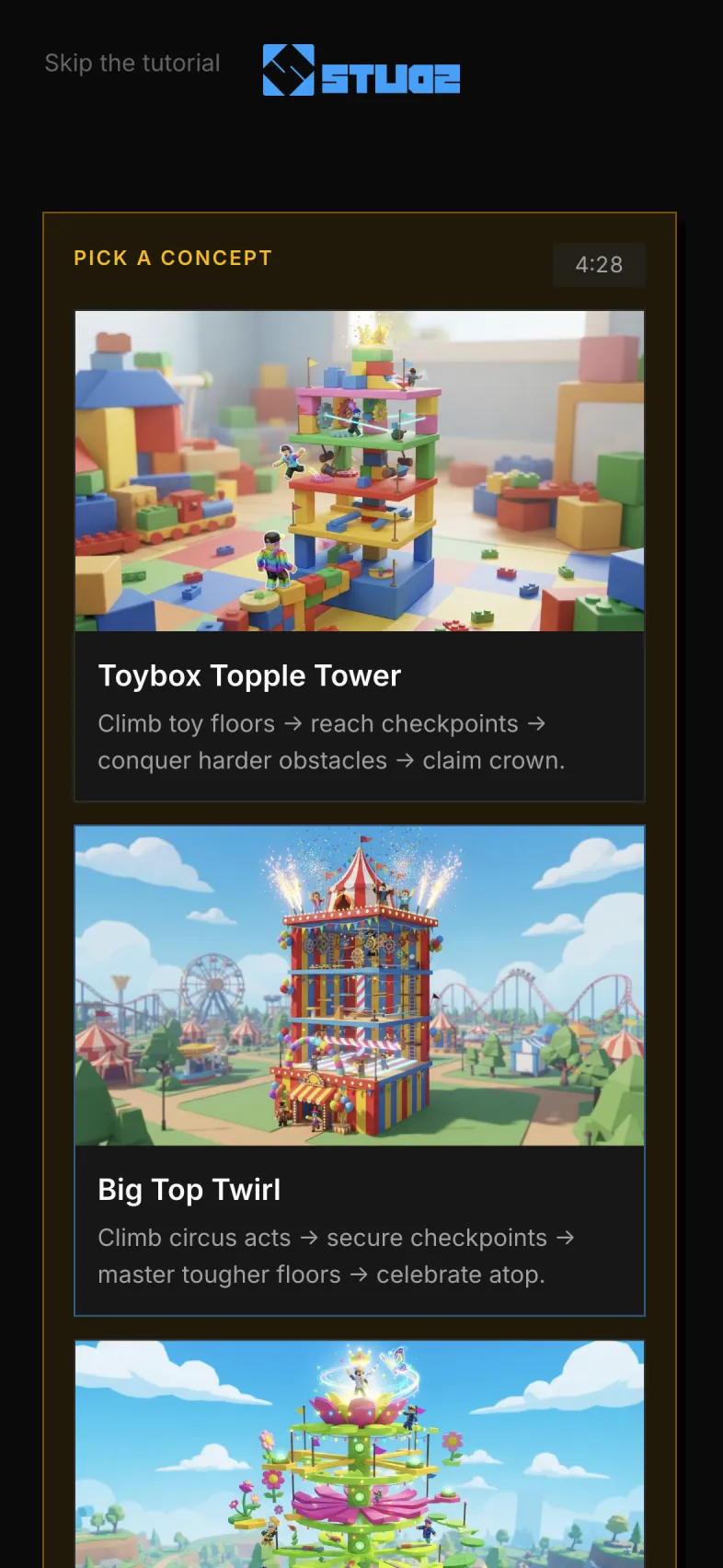
studs.gg draws three takes on your idea. Pick the one you like, or write your own, and tap Build this one.
Step 4
Let it build and playtest
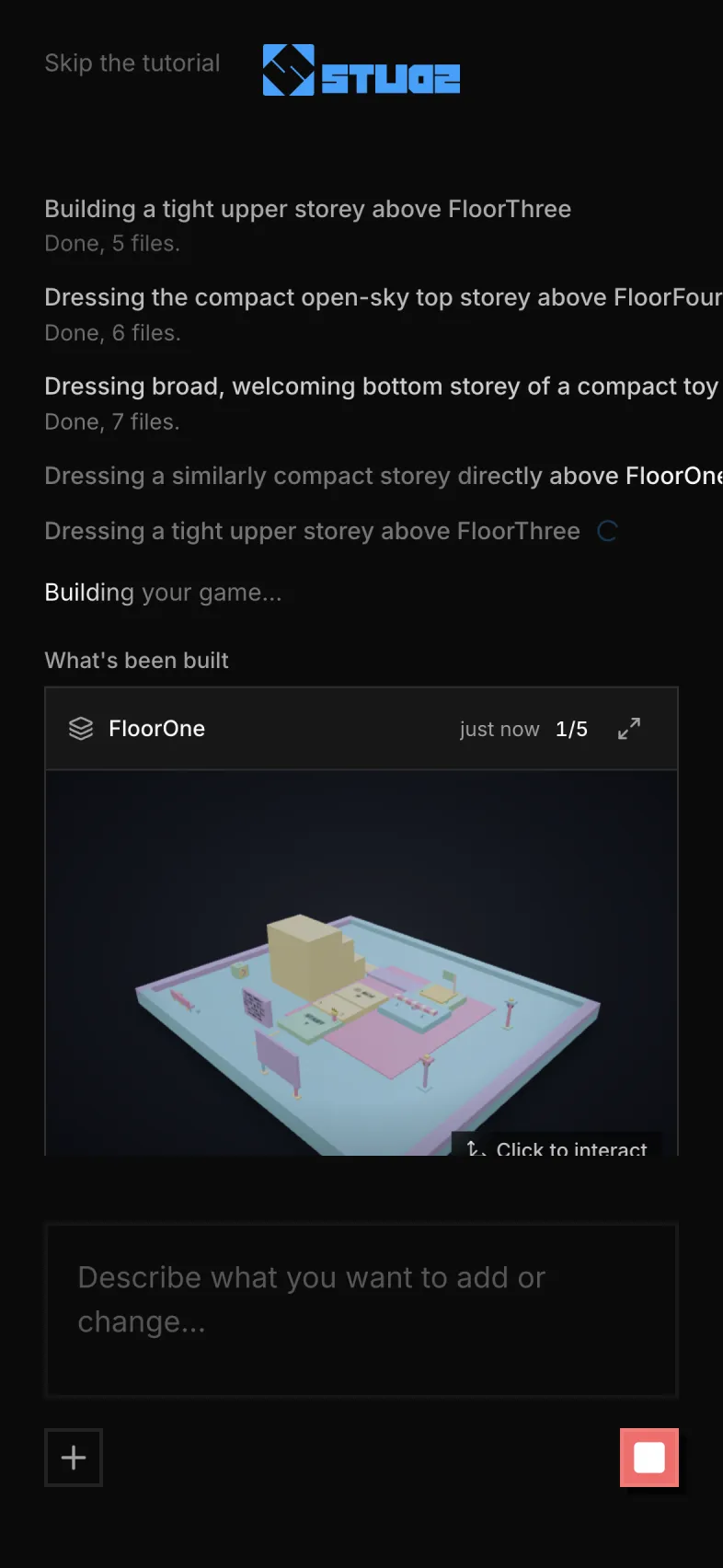
studs.gg plans the game, builds the world and scripts, and playtests it in Roblox Studio on its side. Pictures of your world appear as it is built. You can close the page and come back.
Step 5
Publish it to Roblox
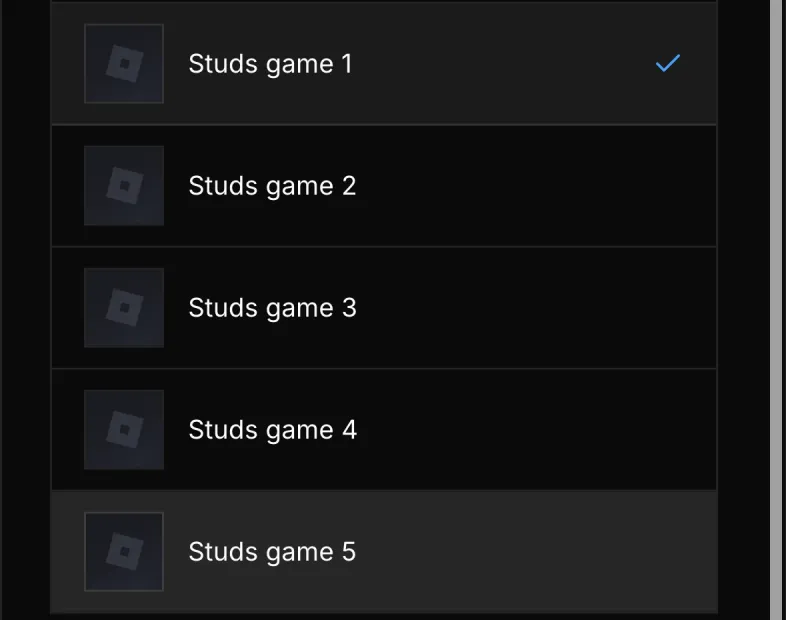
Tap Publish. The first time, you sign in to Roblox once and studs.gg sets up 5 games and a publishing key for you, so there is no API key to copy. Pick one of the games and tap Publish.
Step 6
Play it, share it, change it
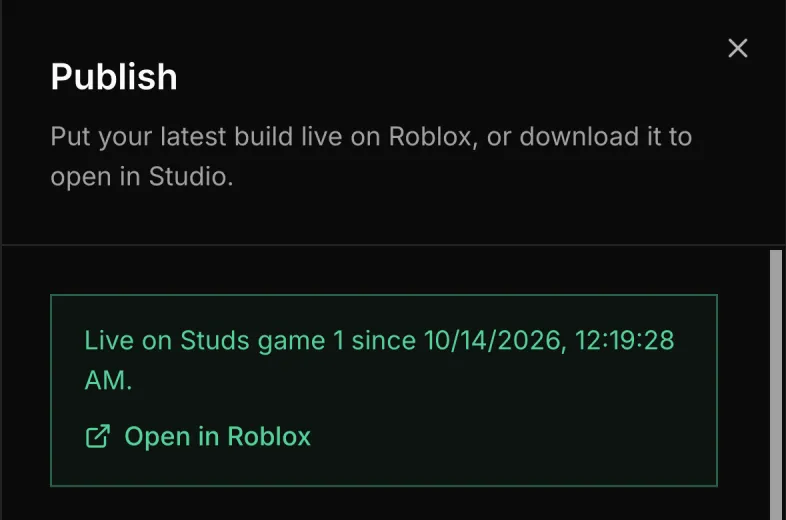
studs.gg shows the game is live, with an Open in Roblox link. Play it in the Roblox app and share it with friends. To change it, tell studs.gg what to change in the same chat and tap Republish.
Questions
- Can you make a Roblox game on a phone?
- Yes. Roblox Studio only runs on Windows and Mac, but studs.gg runs in your phone's browser and publishes the game to your Roblox account, so no computer is needed at any step.
- Is Roblox Studio available on mobile?
- No. Roblox Studio is a desktop app for Windows and Mac. Roblox's own Build tool works in the Roblox mobile app, but it is a public alpha open in a few countries to age-checked users.
- Is it free?
- Your first build is free. To keep building, Pro adds daily credits, and you can try it free for 7 days.
- How long does it take?
- About an hour from your first message to a playable game. You do not need to keep the page open while it builds.
- Does it work on a tablet or a Chromebook?
- Yes. studs.gg runs in any modern browser, so an iPad, an Android tablet or a Chromebook works the same way.